 (800) 728 8391

The Best Real Estate Website Templates, Made Yours
Choose one of our professional real estate website designs and see your personalized site in 5 minutes. Make it your own with our AI Editor and explore the platform free for 14 days.
Not sure? Let AI build your siteReal estate website templates
5 New designs



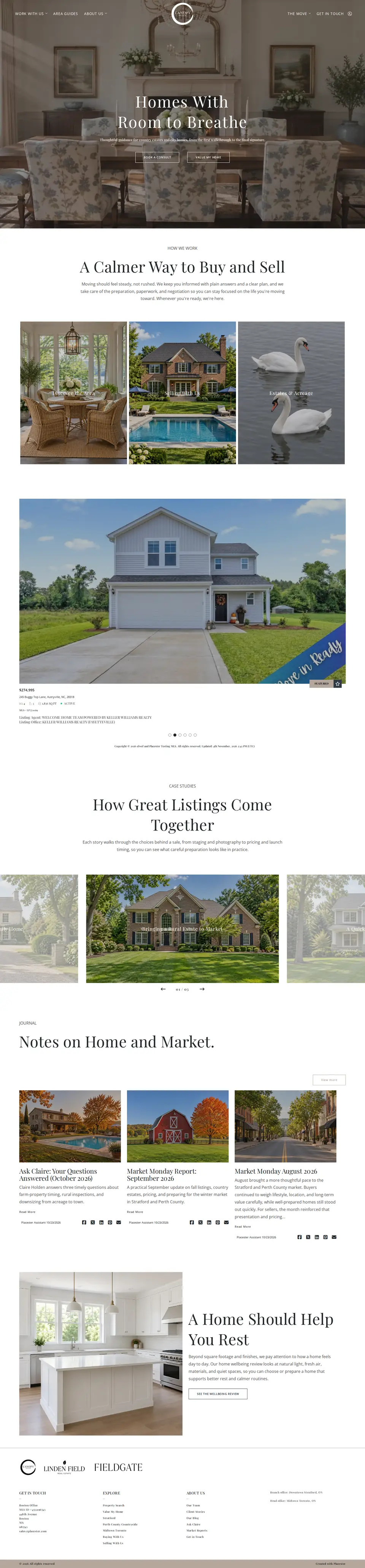

29 More designs
-
Can't pick one?Book a call
Skip the browsing and let us build it
Book a quick setup consultation with our team and we’ll walk you through the best website options for your business.
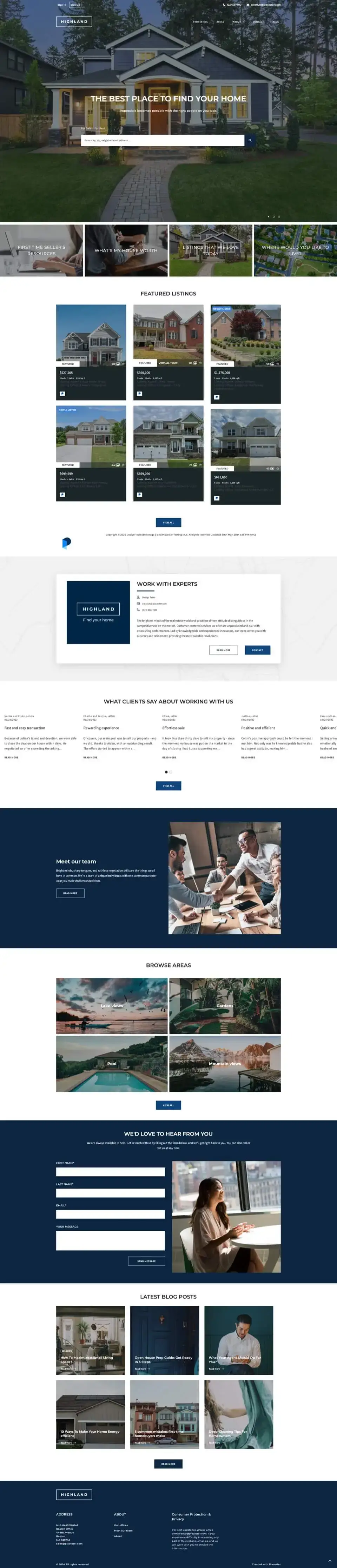
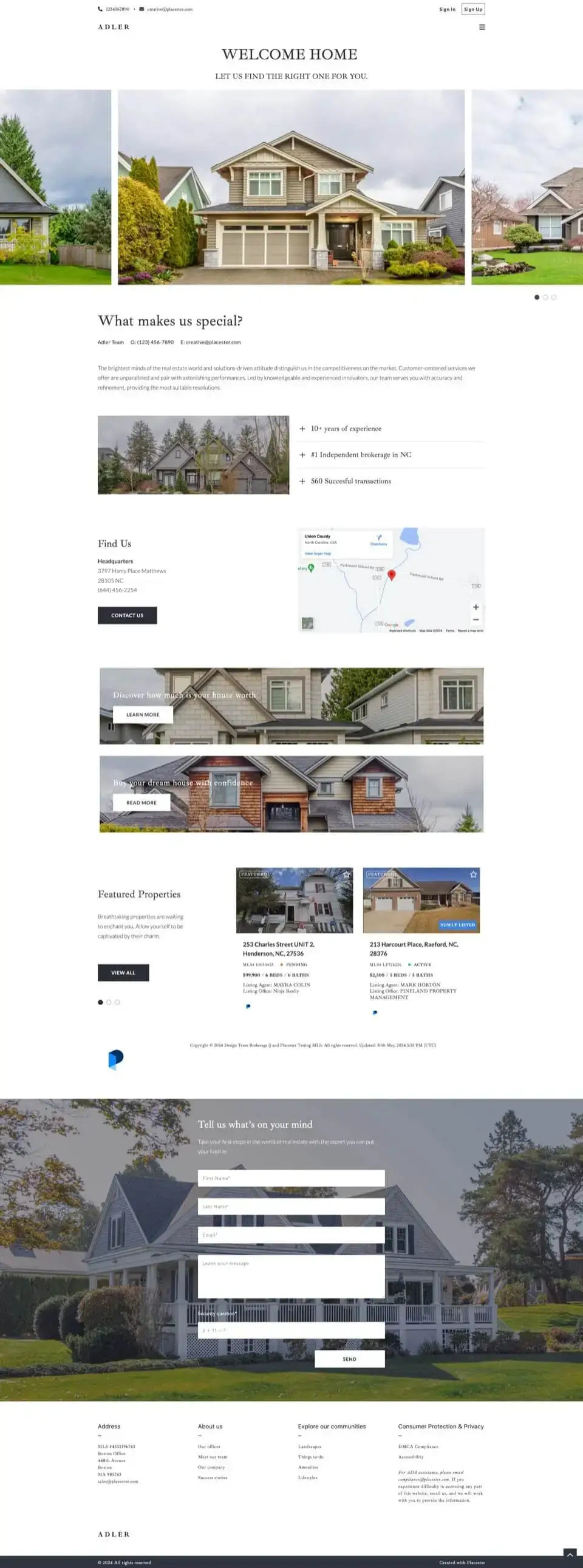
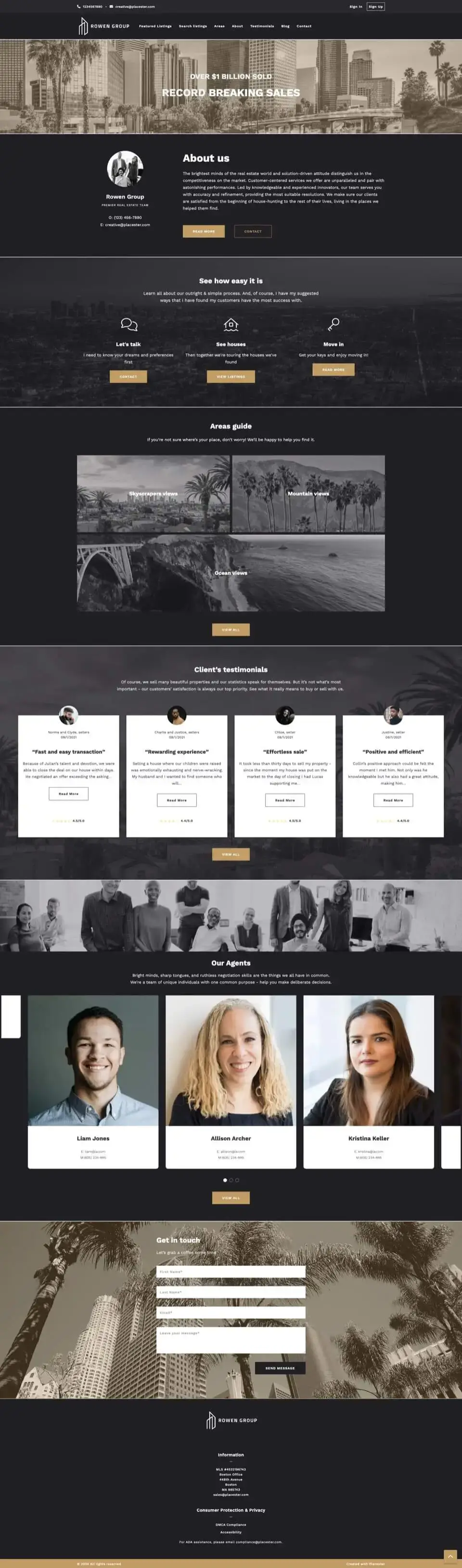

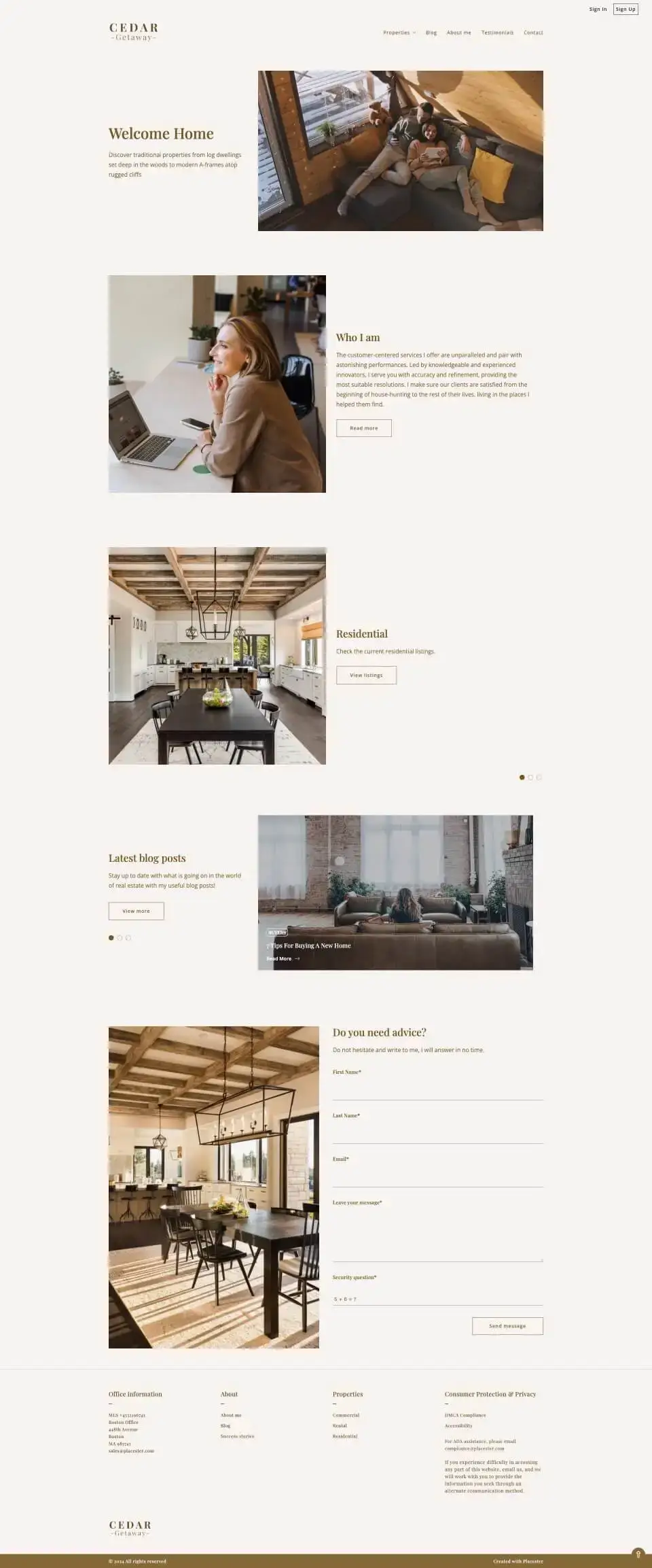
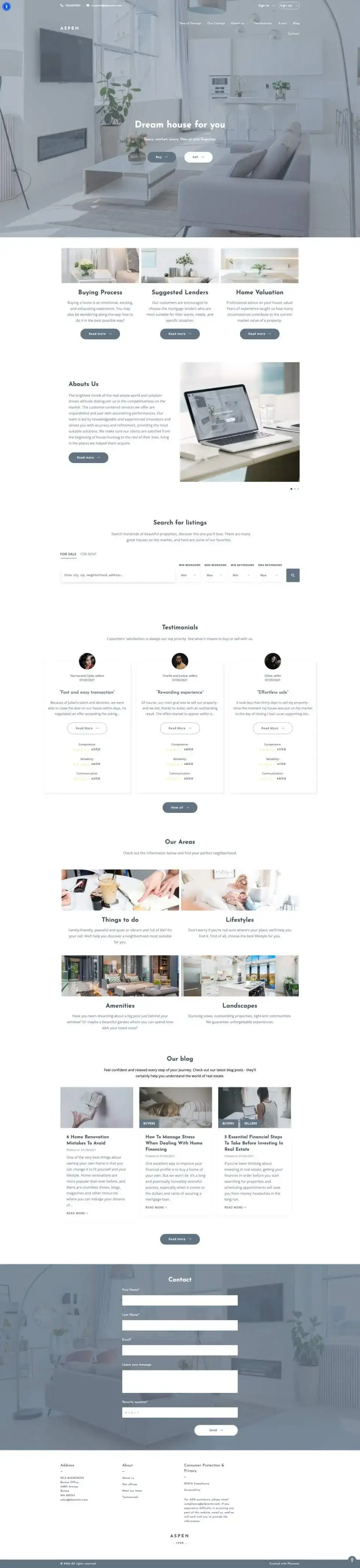
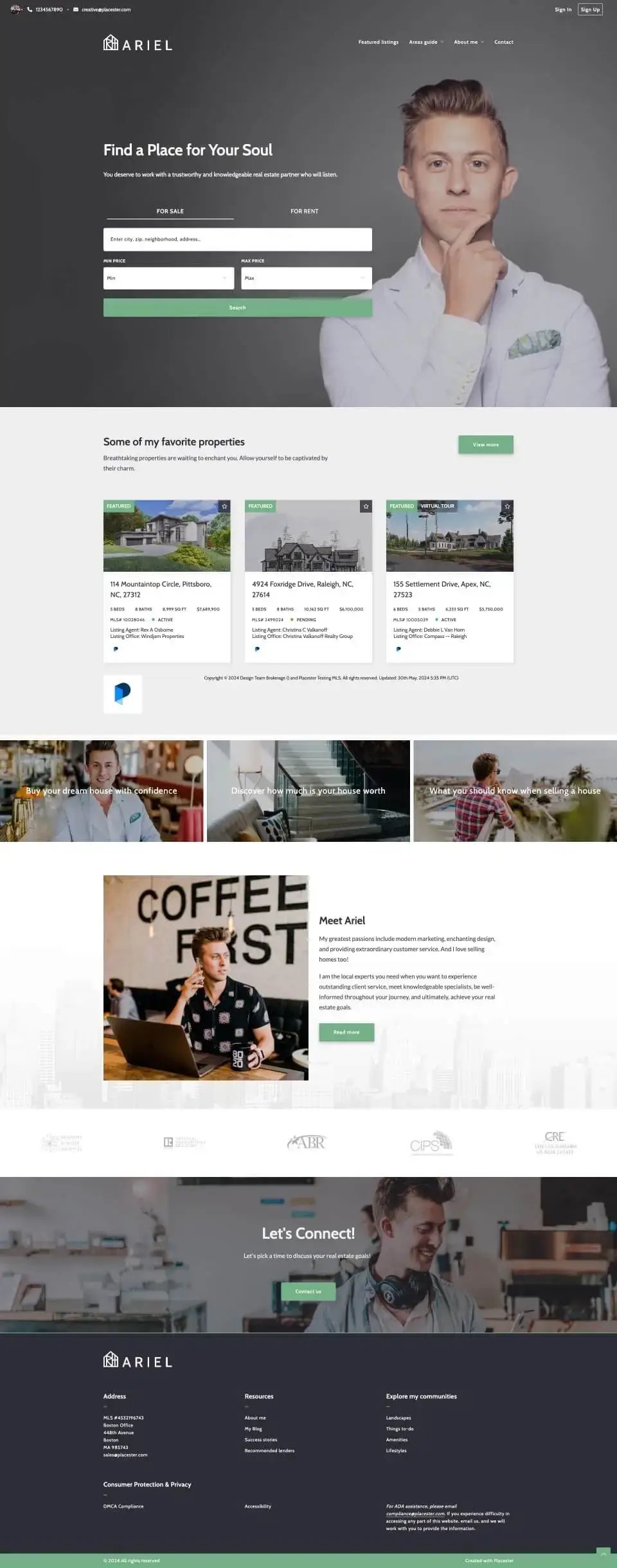
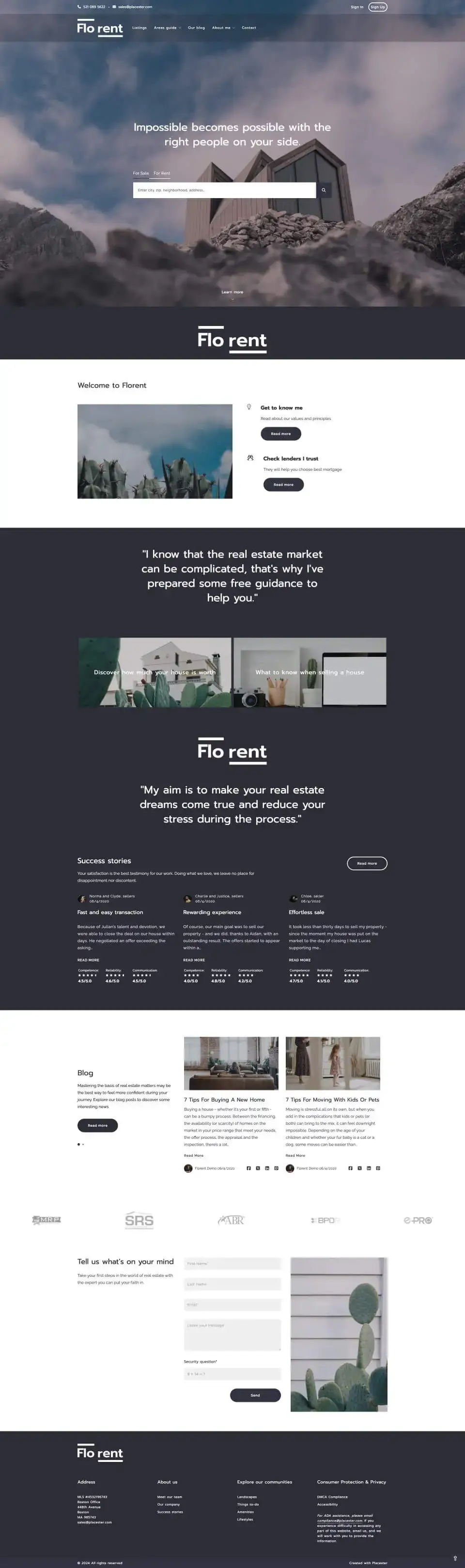
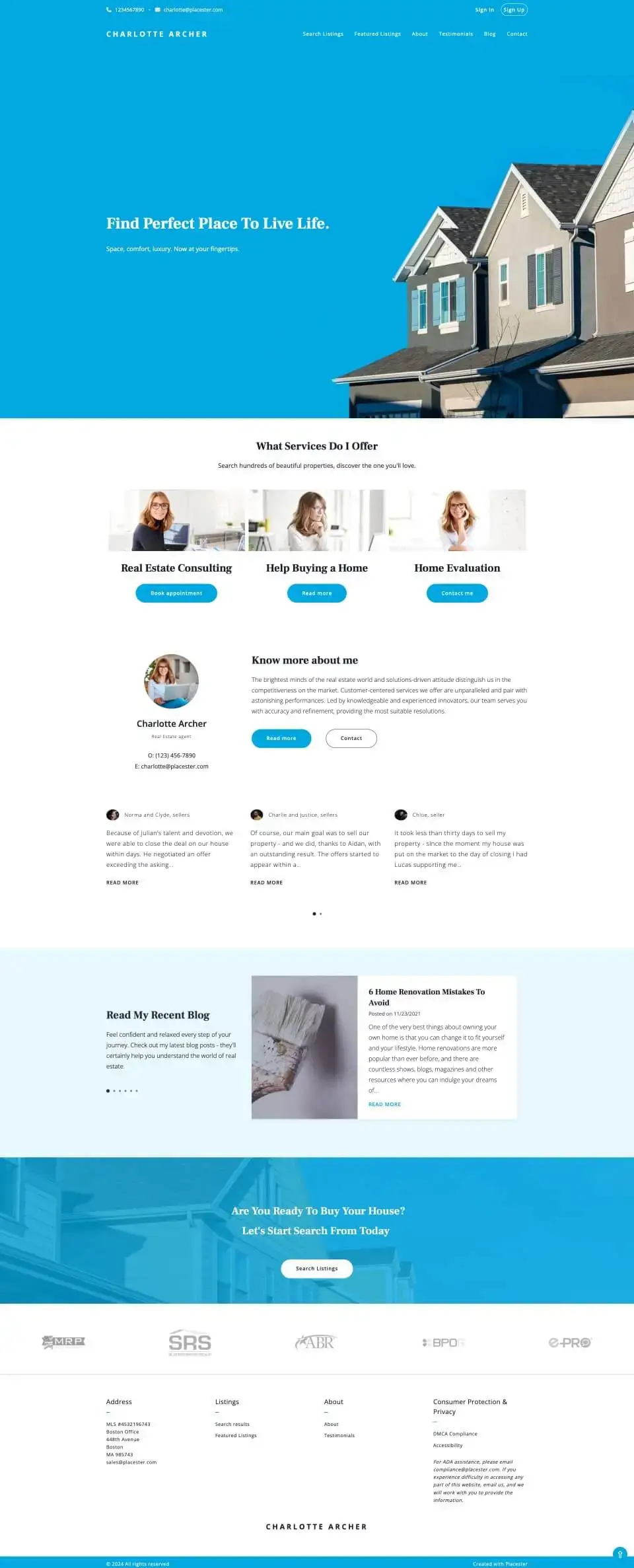
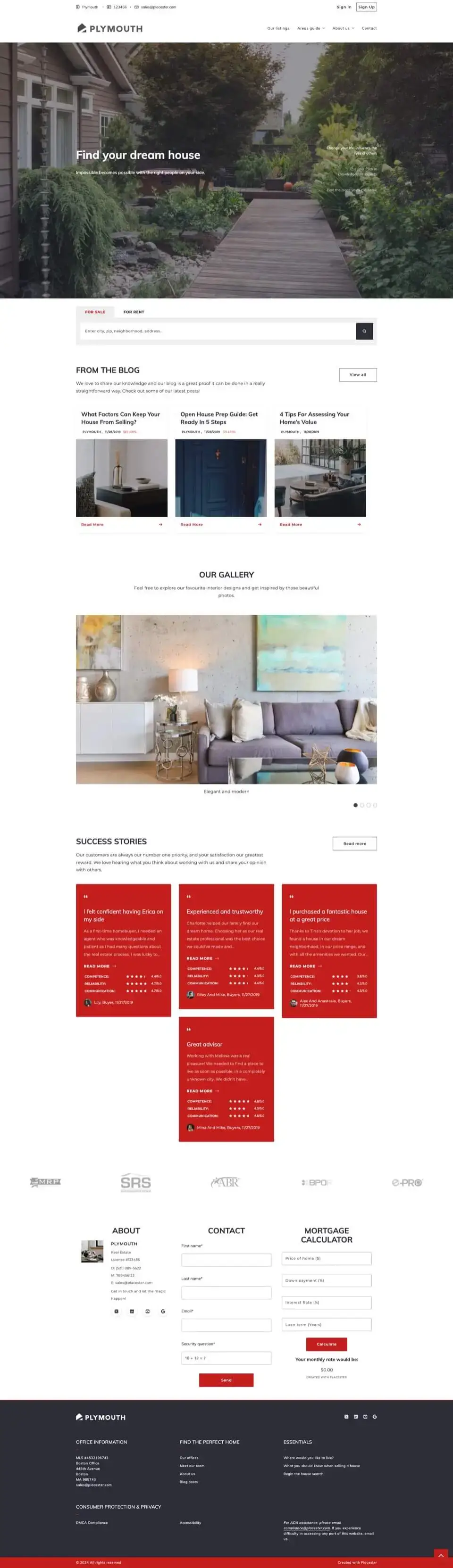

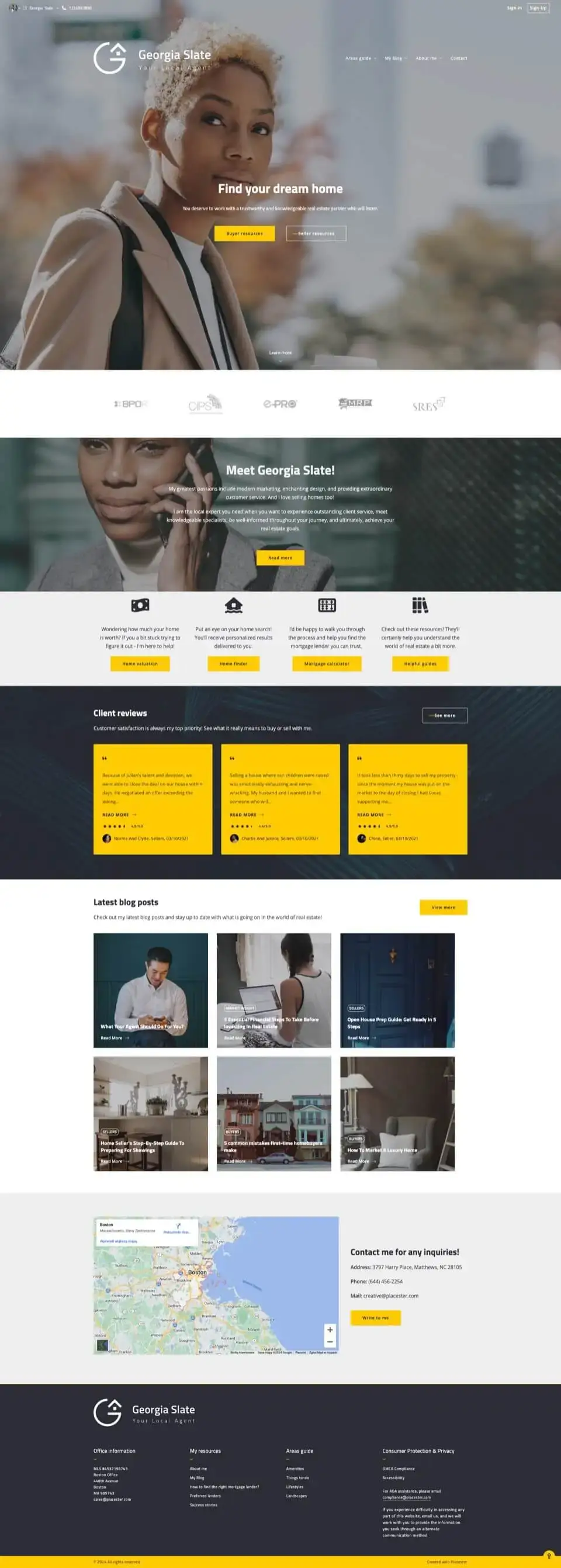
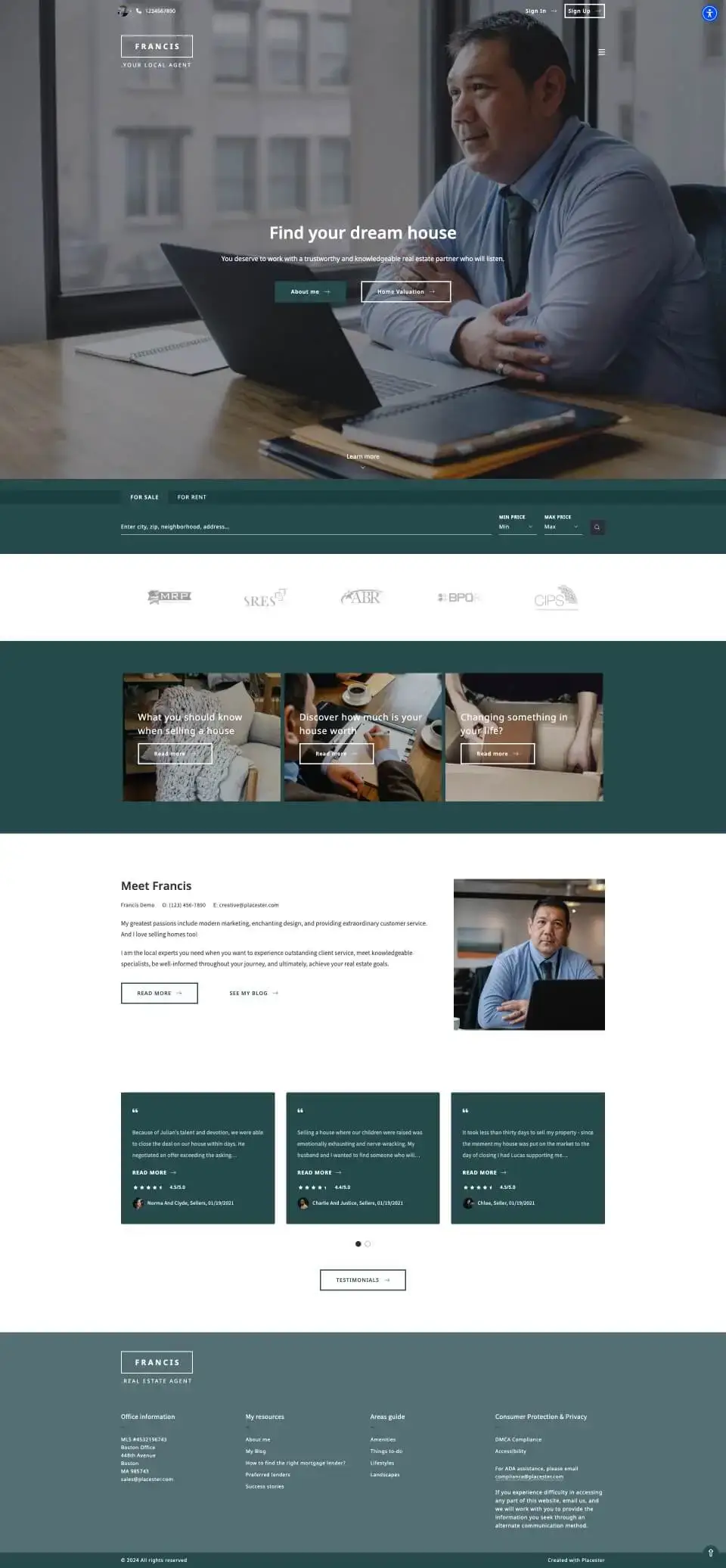
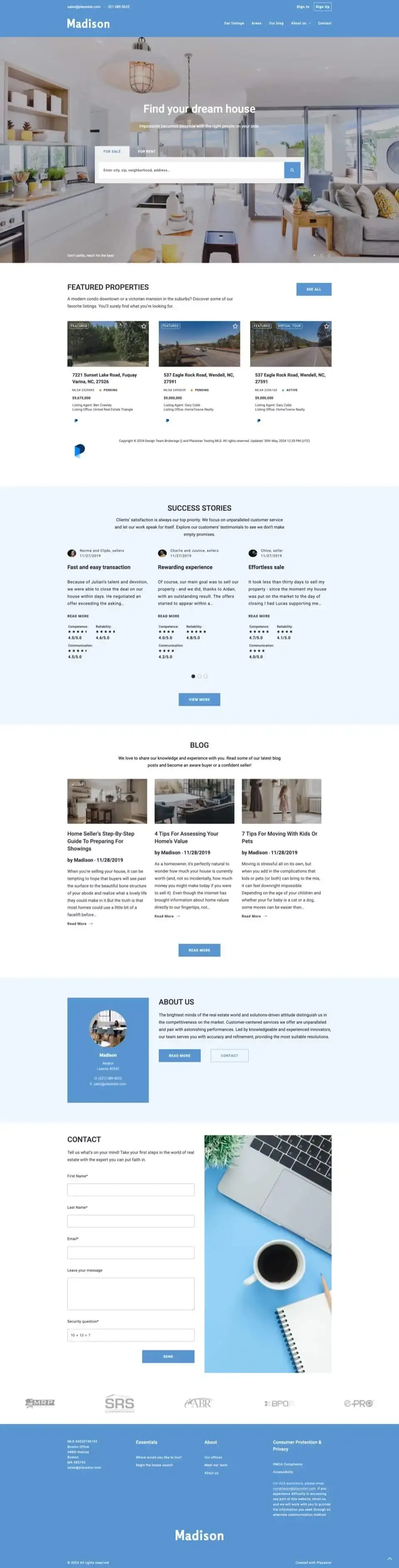
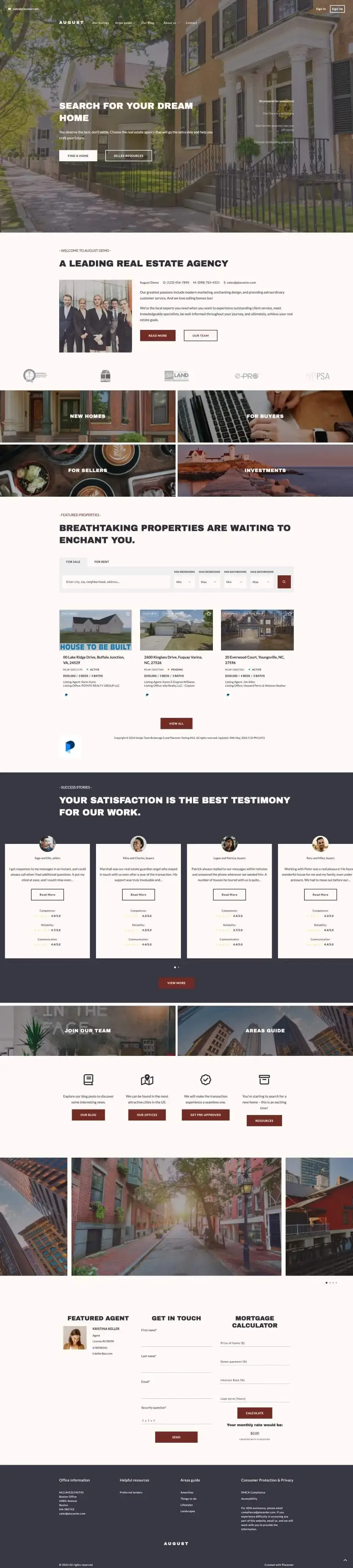
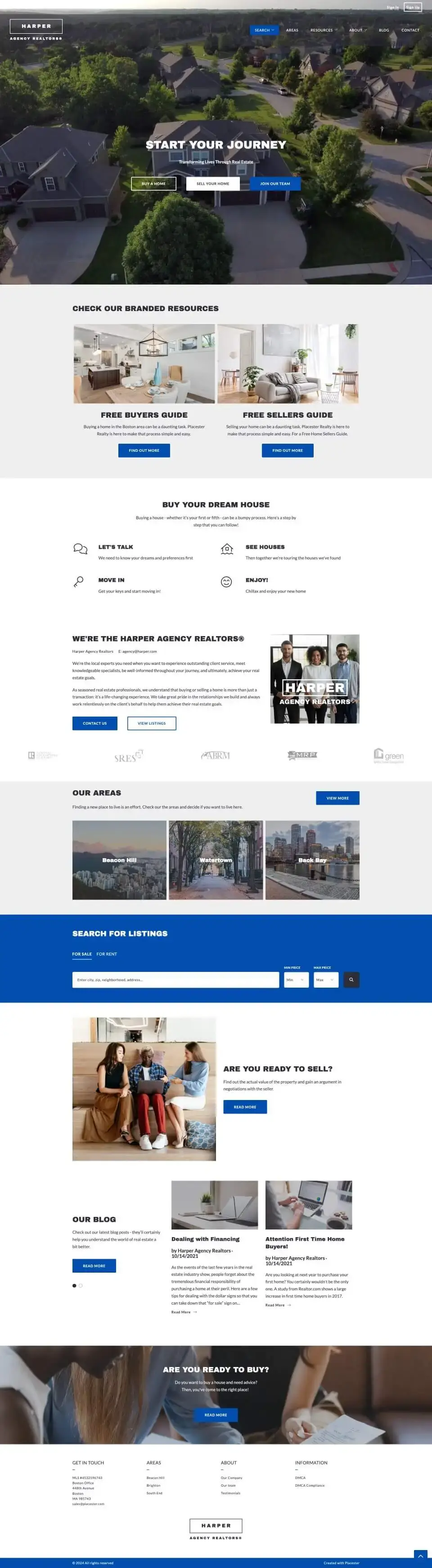
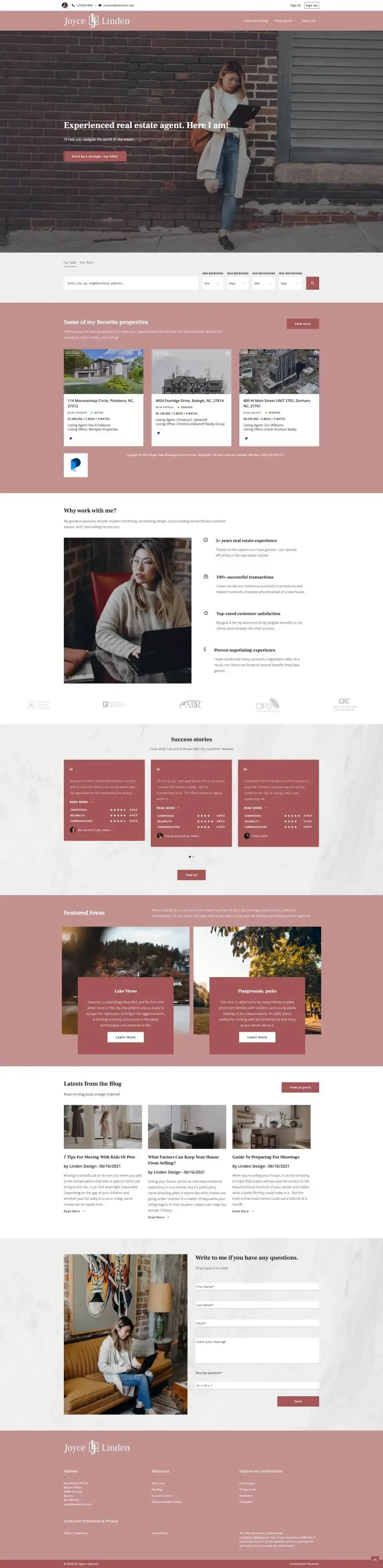
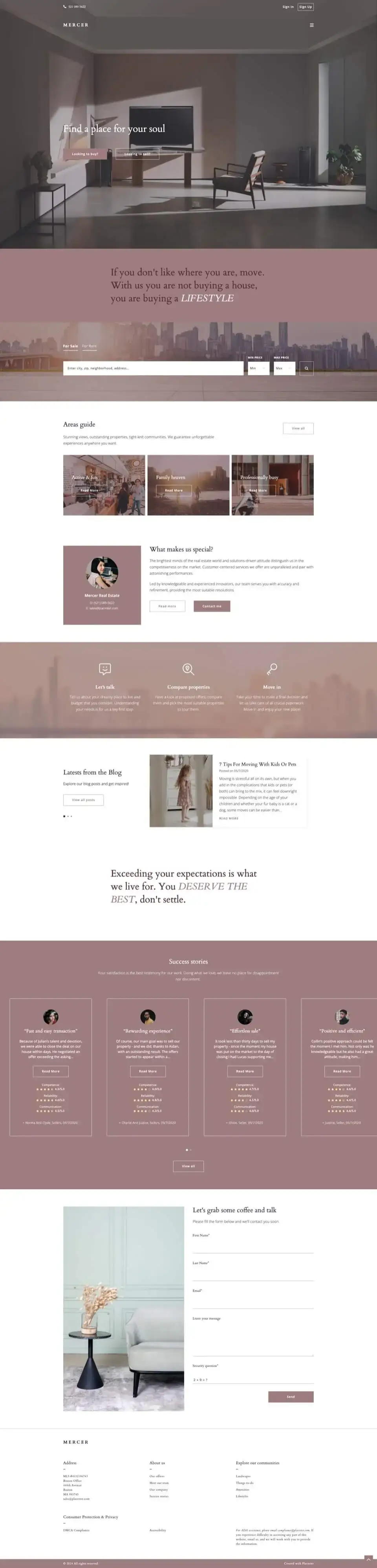
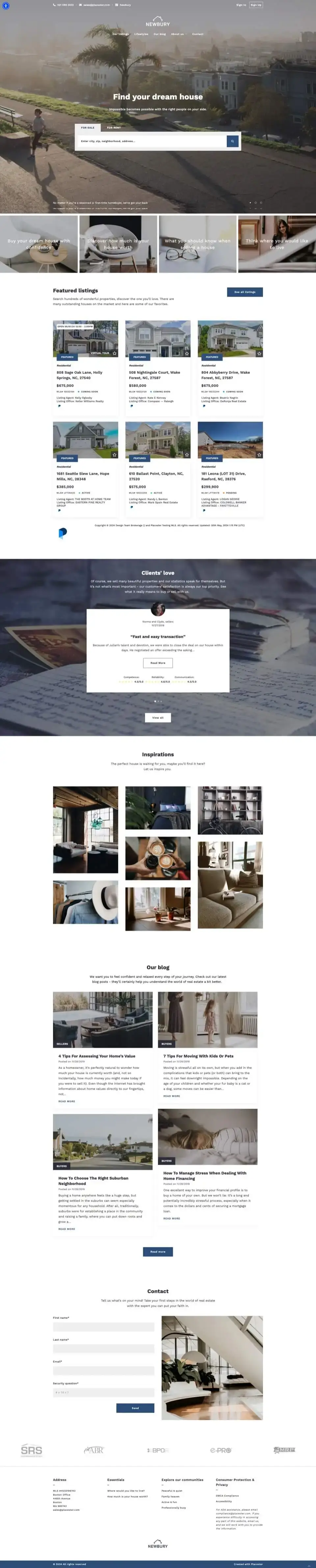
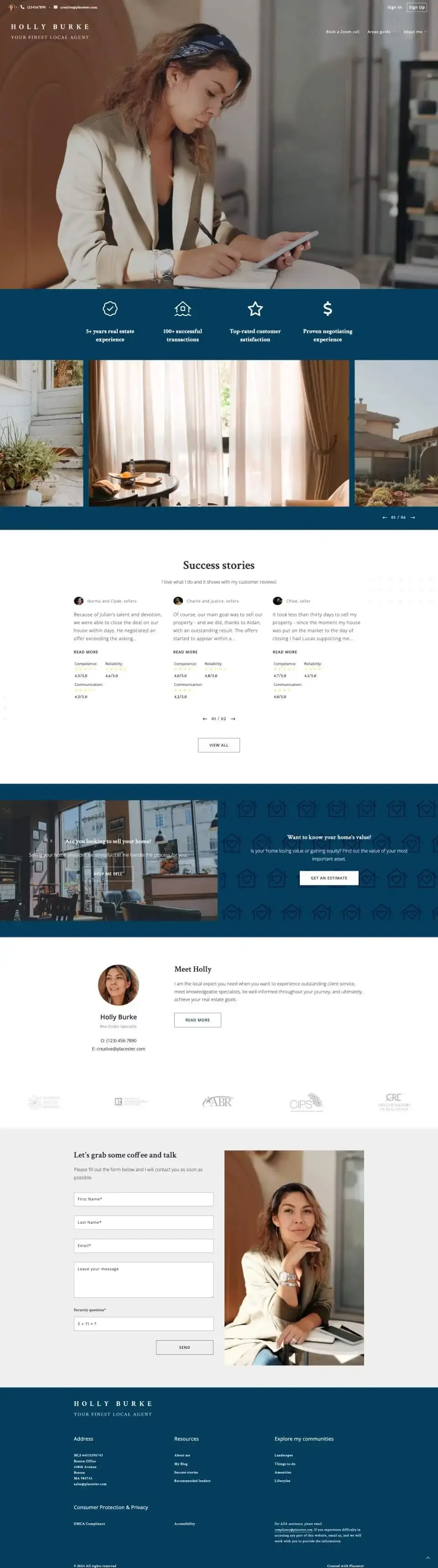

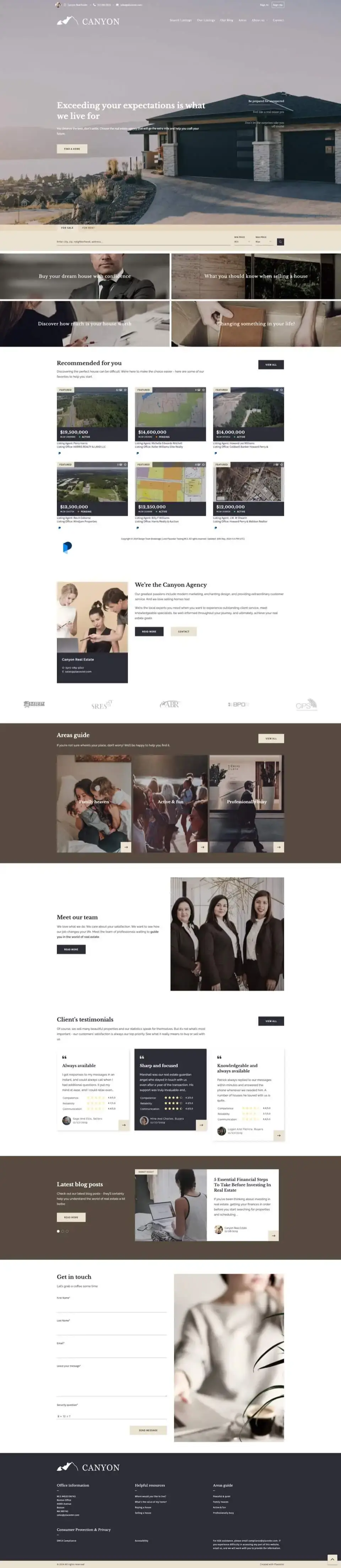

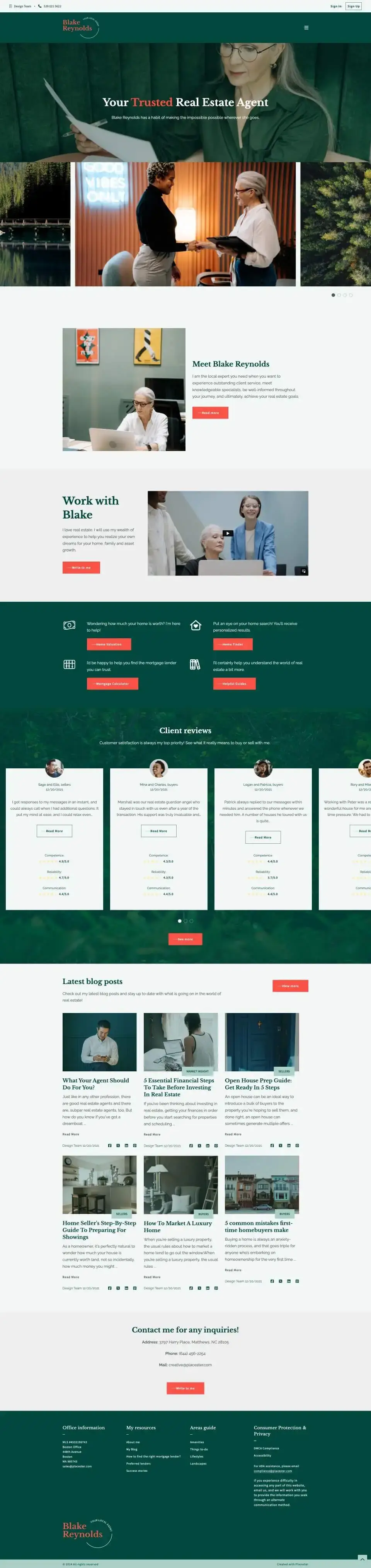
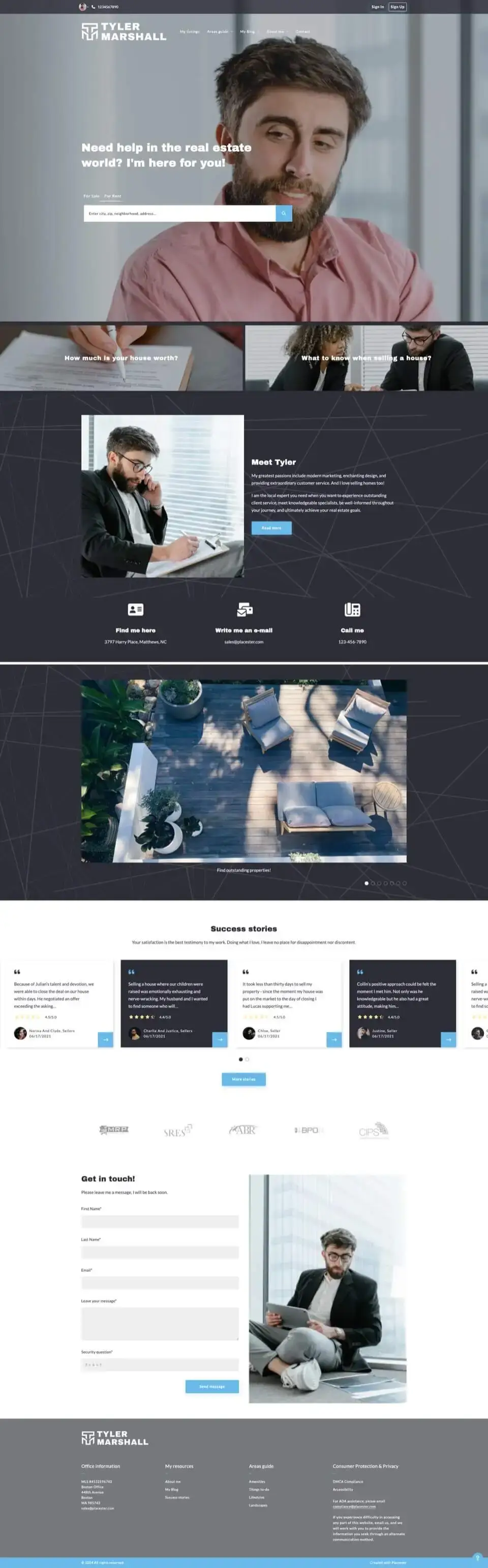


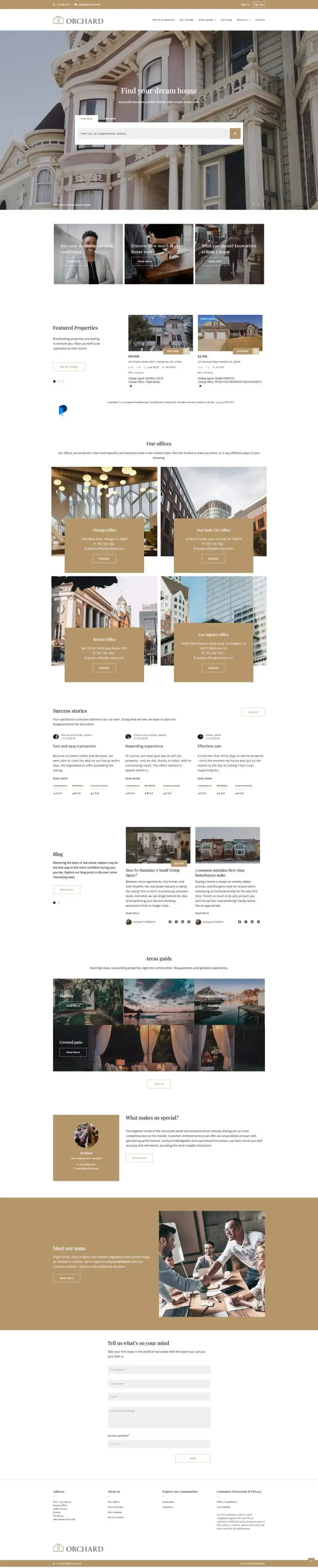

From our template to your new website in 3 steps
Choose your favourite design and let Placester turn it into a real estate website tailored to your business and market.
-
1
Select your design
Pick a template you like and click “Start with this design” to launch our AI website builder. Enter your name and state, and our AI will research your business and create your personalized website draft in just 5 minutes.
-
 2
Make it yours
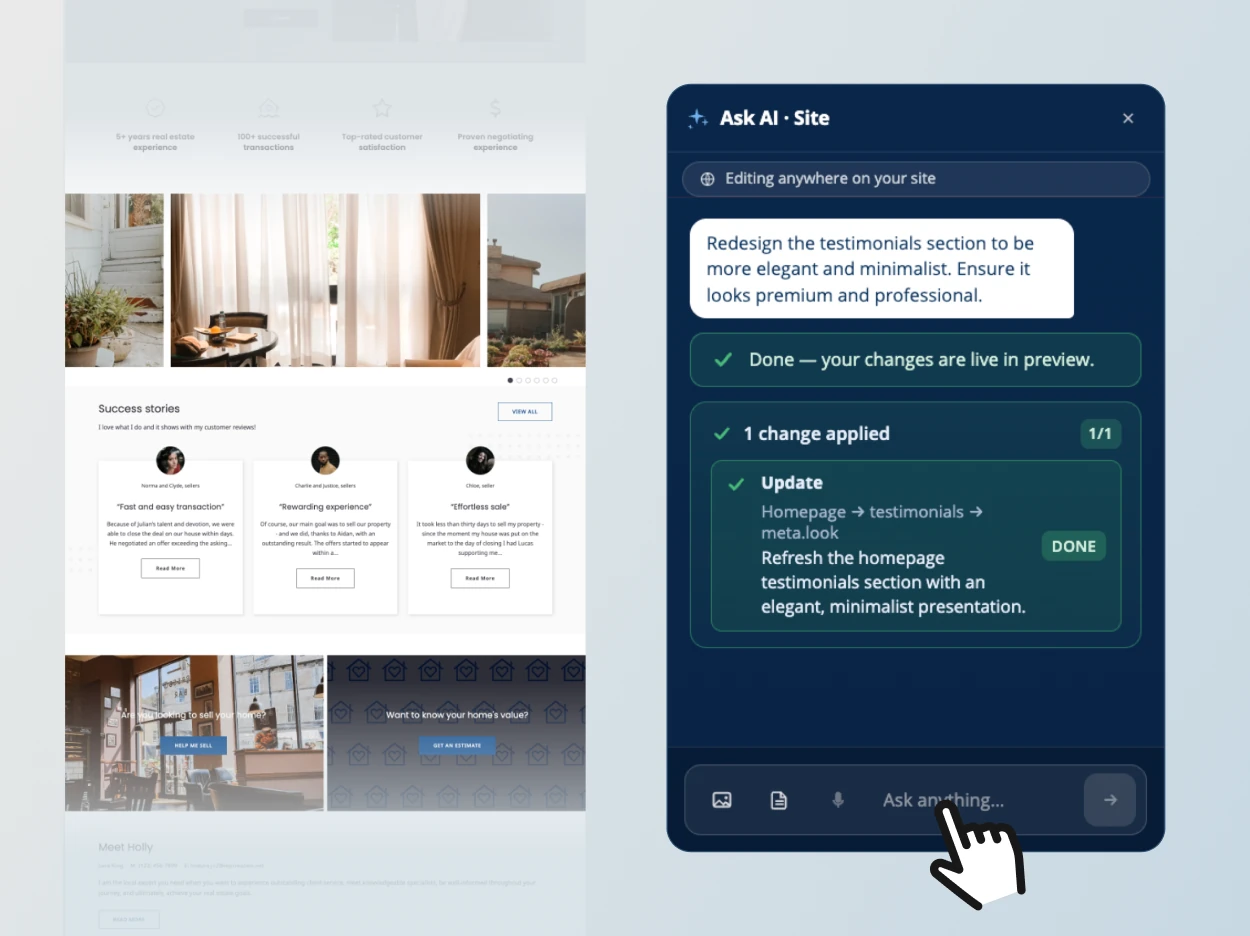
Create your account to access your complete real estate website, with 20+ pages your buyers and sellers expect. Update anything on your site whenever you want by chatting with our AI or using point-and-click controls in the website editor.
-
 3
Publish your website
Happy with your site? Choose a paid plan that fits your business and connect your domain. If you want live listings, complete your MLS/IDX setup, then launch when you’re ready.

What agents are saying
-


“I said ‘add a Riverside neighborhood page’ and two minutes later I had a full page with copy, a hero image, and listings. I used to wait two weeks for that.”

Real Estate Agent, Austin TX
-

“Blueprint found my Zillow profile, my headshot, imported my reviews, and built my whole site before I finished my coffee. I didn’t upload a single thing.”

Real Estate Agent, Denver CO
-

“I used to pay $200 a month to an agency for website updates. Now I just talk to it. It sounds like me now. Which is the whole point.”

Team Lead, Miami FL

Best real estate website templates: FAQs
How do Placester’s templates work?
Choose a real estate template and click “Start with this design.” Enter your name and state, confirm your business details and select your photo. Placester’s AI uses your chosen website design to create a personalized draft, ready for you to review and edit.
What does the AI personalize?
We’ve been working hard to make website setup easier. The 2026 version of our AI adapts your chosen template’s content to your real estate business, including your name, contact details, About page and market areas, while keeping the design’s layout and colors. You can review and update the content in the website editor.
Are the templates customizable with AI and manual editing tools?
Yes. Customize your website by chatting with our AI Website Editor or using point-and-click controls to change text, images, colors and layout. Customization also includes adding pages and sections as your business grows. Visit our AI Website Editor page to see how it works.
Are the designs responsive?
Yes. Every design adapts to desktop, tablet and mobile screens, helping visitors browse your content and property listings across devices. Use the Desktop / Mobile toggle in each template’s preview to explore the layout before choosing.
Can I display MLS listings through IDX?
Yes. Connect your MLS through Placester’s IDX integration to showcase properties and give visitors access to property search and individual property listing pages with photos and property details. MLS approval and additional fees may apply. Visit our MLS & IDX page for details.
Can agents, teams and brokerages use these templates?
Yes. Whether you’re an individual real estate agent, a team or a real estate agency or brokerage, choose the look and feel you like. Placester will personalize the content for your business and market, and you can edit it further to reflect your brand.
Are your real estate website templates free to try?
Yes. Once our AI builds your website, you can purchase a plan straight away or explore the whole platform with a 14-day free trial. Choose a paid plan when you’re ready to publish. See our pricing page for plan details.
What are the different ways to build a website with Placester?
- Start with AI: Tell our AI Website Builder about your business and get a personalized website draft in minutes, ready to review and edit.
- Choose a template: Select the look and feel you like, and let AI personalize that design with your business details and market.
- Let us build it: Work with our team on a custom website build. Book a call to discuss your goals and explore your options.